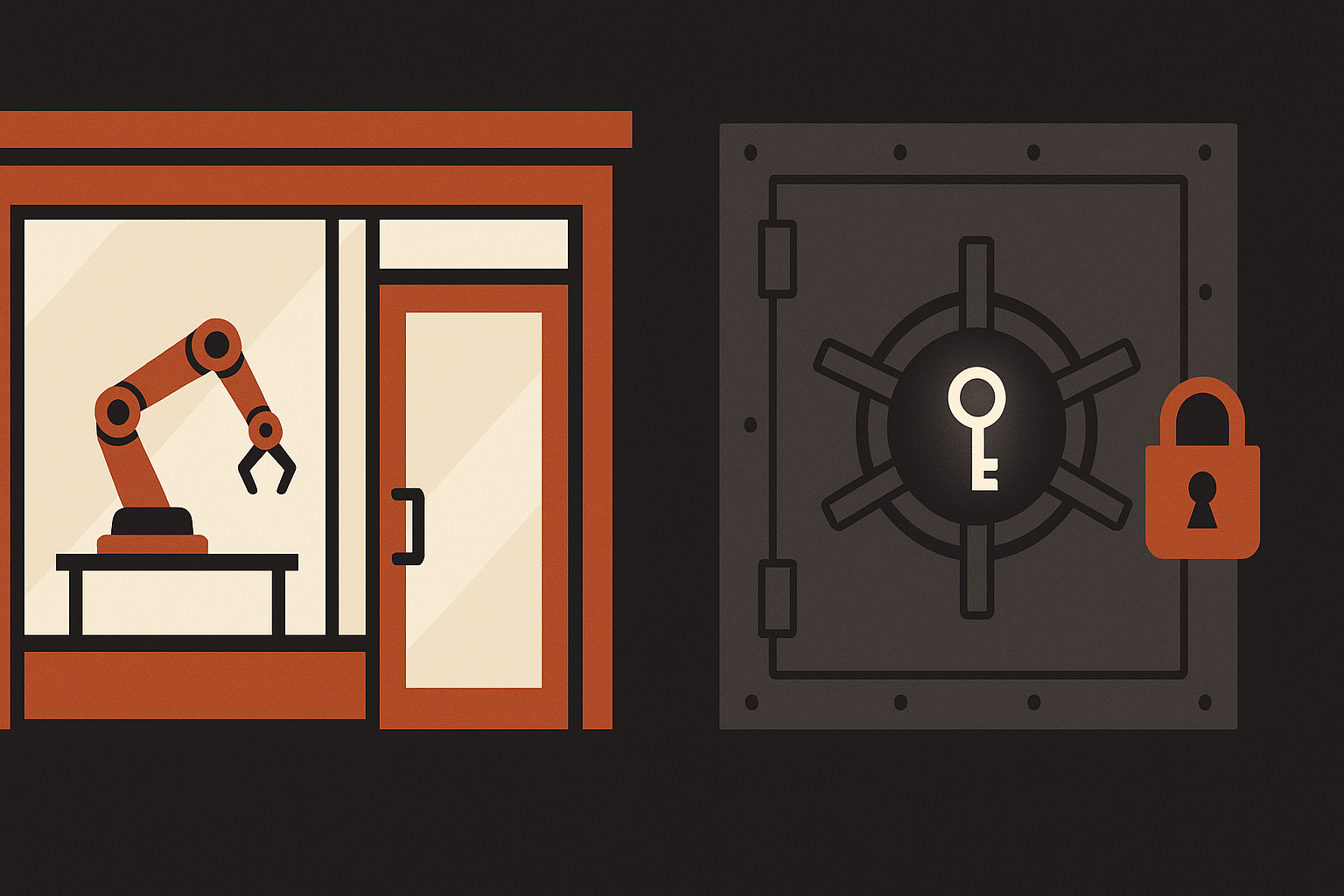
Frontend vs Backend: Why Your Code Isn't a Vault
The frontend runs inside the user's browser, where every line is public, so any secret you put there can be stolen in seconds. The backend runs on a private server you control, where secrets stay hidden. That split between public and private is the whole foundation of application security, and it decides where your API keys are allowed to live.
Welcome behind the scenes of web development.
The house-key analogy: what an API key is
Picture your application as a house. To add great features (showing the weather, chatting with an AI) you use tools built by other companies. Those tools are reached through APIs, and to open them you're handed a key.
An API key is as sensitive as a physical house key or a personal password. In the wrong hands, your "house" is no longer protected.
An API key does two jobs for the service provider:
- It controls access, proving you're authorized to use the service.
- It tracks usage, measuring exactly how many resources you consume, for billing or free-tier limits.
To protect that key, you have to understand that not all code is created equal. Everything depends on where it runs.
The frontend: a glass storefront everyone can see
The frontend is everything that runs on the user's computer, inside their browser (Chrome, Firefox, and the rest) using the browser's own languages: HTML, CSS, and JavaScript.
Think of the frontend as a glass shop window: whatever you put inside is visible to every passer-by. Hardcode a secret key into your JavaScript and anyone can take it, with zero hacking skill, through two trivial methods:
- Reading the source. A right-click and "Inspect" reveals every JavaScript file the page loaded.
- Watching the network. The "Network" tab in developer tools shows every message sent to an API, including secret keys passed as parameters.
Given that total transparency, hiding a secret in the browser is impossible. To secure the app, you need a protected middleman.
The backend: the protector and proxy server
The backend is code that runs on a remote server: a machine you control, with private access. Unlike the frontend, the server's source is never sent to the user's browser.
Here the server acts as a proxy: a secure intermediary. Instead of the browser calling the external API directly and exposing the key, it calls your server. Your server then uses the secret key to talk to the final API.
Why is that safer? Because the connection between your backend and the API happens on a private, server-to-server network. That step is completely invisible to the user's browser; it never sees the key move.

| Characteristic | Client side (frontend) | Server side (backend) |
|---|---|---|
| Visibility | Transparent (public) | Invisible (private) |
| Where it runs | The user's browser | A remote server |
| Security | Vulnerable: secrets exposed | Secure: secrets hidden |
| Role | Interface and interaction | Secure intermediary (proxy) |
Teaching note. A common beginner confusion is that JavaScript runs on both sides. Remember: frontend JS lives in the browser, while backend JS runs through Node.js, an environment that keeps it safe on your server.
The developer's vaults: .env files and secure cookies
Once you have a backend, you need to store keys without writing them straight into your source (so you never leak them to GitHub by accident).
You keep secrets in environment variables, stored in a .env file. That file is your server's vault.
# Example .env contents (server side only)
API_KEY=your_secret_key_12345
DATABASE_PASSWORD=ultra_secure_password
Expert tip: for the vault to stay shut, you must add .env to your .gitignore. That tells Git never to push the file to public platforms like GitHub.
To manage a user's login without exposing their session token to JavaScript (and therefore to attackers) you use HTTP-only cookies. These cookies have a magic property: they're invisible to the browser's JavaScript, which makes them immune to XSS attacks that try to steal data through malicious scripts. Only your server can read them. It's the same pattern we used for sessions in real-time data with Convex.
Why so careful? The three big risks of exposure
Neglecting your keys can turn an exciting project into a technical or financial nightmare:
- Quota theft. Say you use a weather API capped at 50 free calls a day. Steal your key and a stranger burns all 50 in seconds, leaving your real users locked out.
- A surprise bill. Many services (AI, mapping) bill by usage. A leaked key can trigger thousands of fraudulent calls and a bill of several thousand euros in a single night.
- Loss of data control. If your key reaches your database, an attacker can read, change, or delete every one of your users' records.
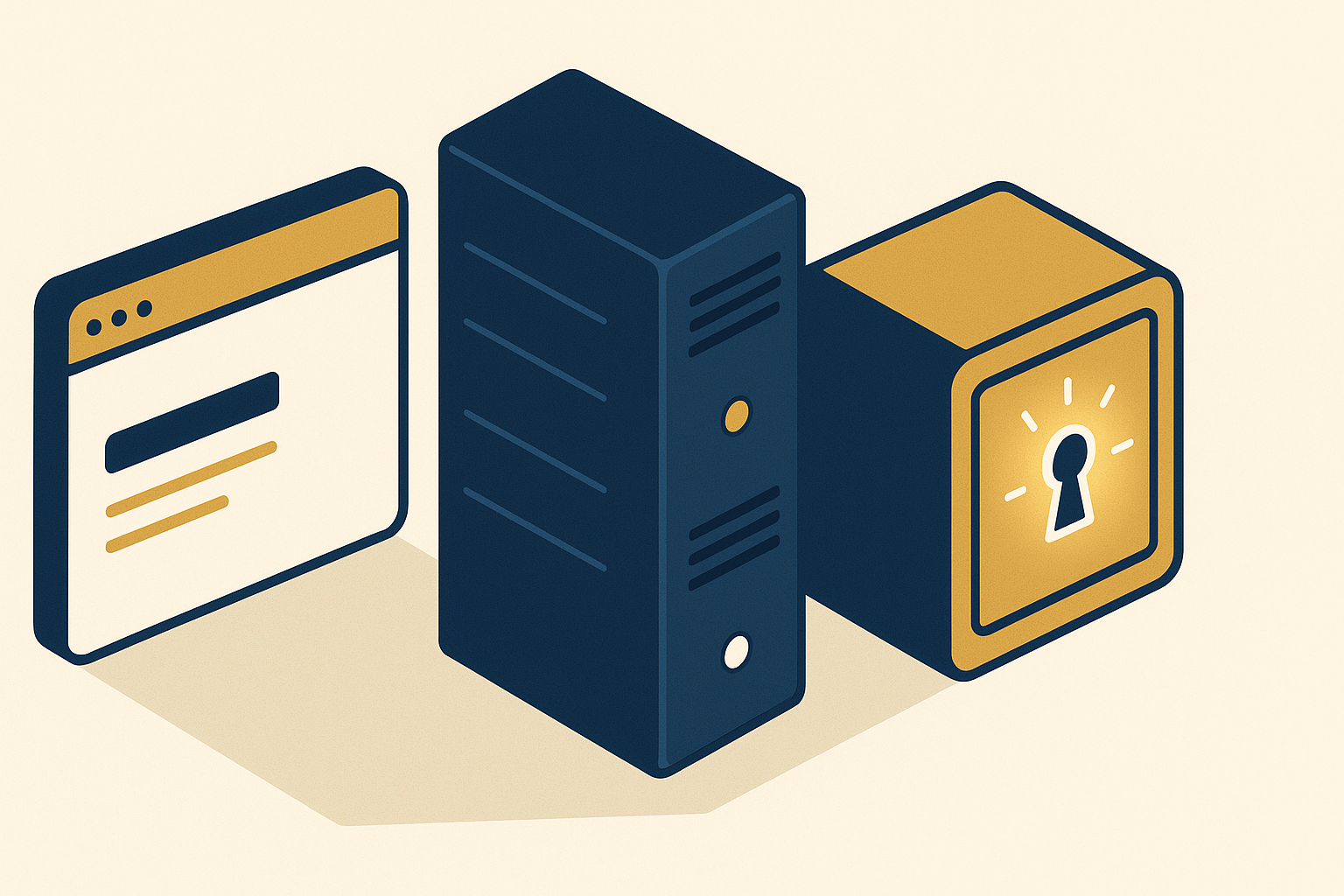
A survival checklist for the future developer
In a professional application, security is foundational. Before your next project goes live, run this list:
- Never hardcode an API key or secret in frontend code.
- Route every call to a sensitive API through an intermediary server (a proxy).
- Store all sensitive values in
.env, and confirm the file is listed in.gitignore. - Prefer HTTP-only cookies for any session token kept in the browser.
- Check your browser's Network tab now and then to be sure no key shows up in outgoing requests.
Respect that border between public and private, and the systems you ship become ones people can actually trust. If you'd rather have that built for you, tell us what you're shipping and see the systems we build. Go check your files right now; your keys will thank you.
Frequently asked questions
An API key is a unique identifier that authenticates you to a service, much like a password. It proves you're allowed to use the service and tracks your usage for billing, so a leaked key can be abused on your account.
No. Everything the browser downloads is public. Anyone can read your scripts with 'Inspect Element' or watch keys pass by in the Network tab of developer tools, so a hardcoded key is effectively published.
A proxy is your own server sitting between the browser and an external API. The browser calls your server, and your server uses the secret key to call the API over a private server-to-server connection the browser never sees.
Cookies flagged HTTP-only are invisible to browser JavaScript, so cross-site scripting (XSS) attacks can't steal them. Only your server can read them, which makes them the safe place for session tokens.
Ready to automate the work?
Media Targeters builds custom agentic AI systems that run your operations while you focus on growth.
Book a discovery callRelated Articles
Real-Time Data with Convex: A Beginner's Journey
A beginner's guide to real-time data with Convex: how the reactive backend keeps data live, plus queries, mutations, schemas, security, and AI (MCP).

Morocco Real Estate 2026: Boom, Crash, or Neither?
Is Morocco's real estate market booming or crashing in 2026? Bank Al-Maghrib data shows a 40% Q1 transaction drop, but the yearly picture is milder.

SEO vs GEO vs AEO vs AIO: What Works in 2026
SEO, GEO, AEO, AIO: four acronyms, one job. What Google's own 2026 docs confirm, what the research proves, and which AI-search tactics are just hype.

Why Agentic AI Projects Fail (5 Questions First)
Gartner expects over 40% of agentic AI projects canceled by 2027: not weak models, weak governance. Five questions predict which ones survive.